

Pinterest Marketing for Beginners: How Bloggers Get Traffic Without Social Media Burnout
Let me tell you something that might surprise you: Pinterest is the secret weapon most successful bloggers use to drive thousands of visitors to their website every single month
PINTEREST MARKETING
You started your blog because you had something to say. Maybe you wanted to share recipes, talk about personal finance, or build a business around your passions. But somewhere between writing posts and trying to keep up with Instagram Reels, TikTok trends, and the ever-changing Facebook algorithm, you burned out. Hard. If that sounds familiar, I want you to know there is a better way, and it starts with Pinterest.
Pinterest marketing for beginners feels overwhelming at first, but once you understand how it actually works, it becomes one of the most peaceful traffic strategies a blogger can use. No performing for the camera. No chasing trending sounds. Just intentional, strategic content that works while you sleep.
Why Pinterest Is Different From Every Other Platform (And Why That Matters for Bloggers)
Let me start by shifting your mindset about what Pinterest actually is. Pinterest is not a social media platform. I know, I know, everyone calls it that. But Pinterest is a visual search engine, and that one distinction changes everything about how you use it.
When someone posts on Instagram, that content has about a 24 to 48 hour shelf life before the algorithm buries it. Pinterest pins, on the other hand, can drive traffic for months and even years after you publish them. I have pins from two years ago that still bring readers to my blog every single week. That is the kind of traffic strategy that does not drain your energy.
This is especially good news if you are a blogger who writes long-form, educational, or helpful content. Pinterest users are actively searching for solutions, ideas, and inspiration. They are not mindlessly scrolling. They are typing things like "easy weeknight dinners for families" or "how to start a budget" into the search bar, which means your content shows up exactly when someone is ready to consume it.
If you are still figuring out the foundations of blogging itself, I highly recommend starting with this beginner's guide to blogging for business before diving into Pinterest strategy. Getting clear on your blog's purpose makes your Pinterest marketing so much more effective.
Setting Up Your Pinterest Account the Right Way
Before you start pinning anything, you need to make sure your account is set up to actually drive traffic. Here is where most beginners go wrong: they treat their Pinterest profile like a personal mood board instead of a business asset.
Switch to a Business Account
First things first, if you have not already, convert your Pinterest account to a business account. It is free and it gives you access to Pinterest Analytics, which tells you exactly which of your pins are driving clicks to your blog. You cannot make smart decisions without data, so this step is non-negotiable.
Claim Your Website
Next, claim your website. This links your Pinterest account to your blog, which adds your profile photo and a "Visit" button to every pin that points back to your site. It also helps Pinterest understand that you are a legitimate content creator, not a spammer, which matters for how your pins are distributed.
Don't have a website yet? I used Hostinger AI to set up the base of my website in just a few minutes using the AI tool to help my create a website that was able to offer my products.
Write a Keyword-Rich Bio
Your Pinterest bio is searchable. Think about what your ideal reader might type into the search bar, and weave those phrases naturally into your description. For example, if you blog about personal finance for millennials, your bio might say something like: "Helping millennials pay off debt, save more money, and build wealth with simple, actionable tips."
Create Boards That Reflect Your Blog Topics
Create boards that align directly with your blog's content pillars. Each board should have a clear, keyword-optimized title and description. If you write about home organization, do not just call a board "Home." Call it "Small Space Organization Ideas" or "Kitchen Organization Tips." Be specific, because specific beats generic every single time on Pinterest. Once you have created your boards upload a board cover as a pin and use it to make your boards look professional!
How to Create Pins That Actually Get Clicked
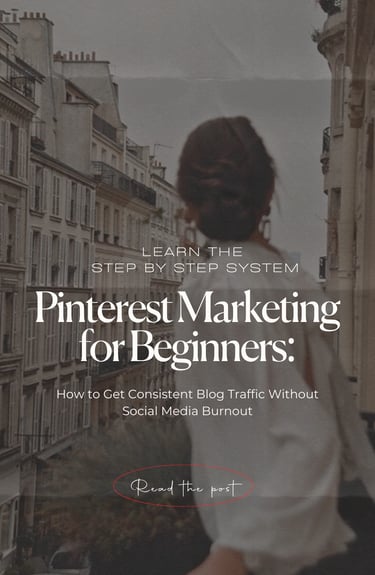
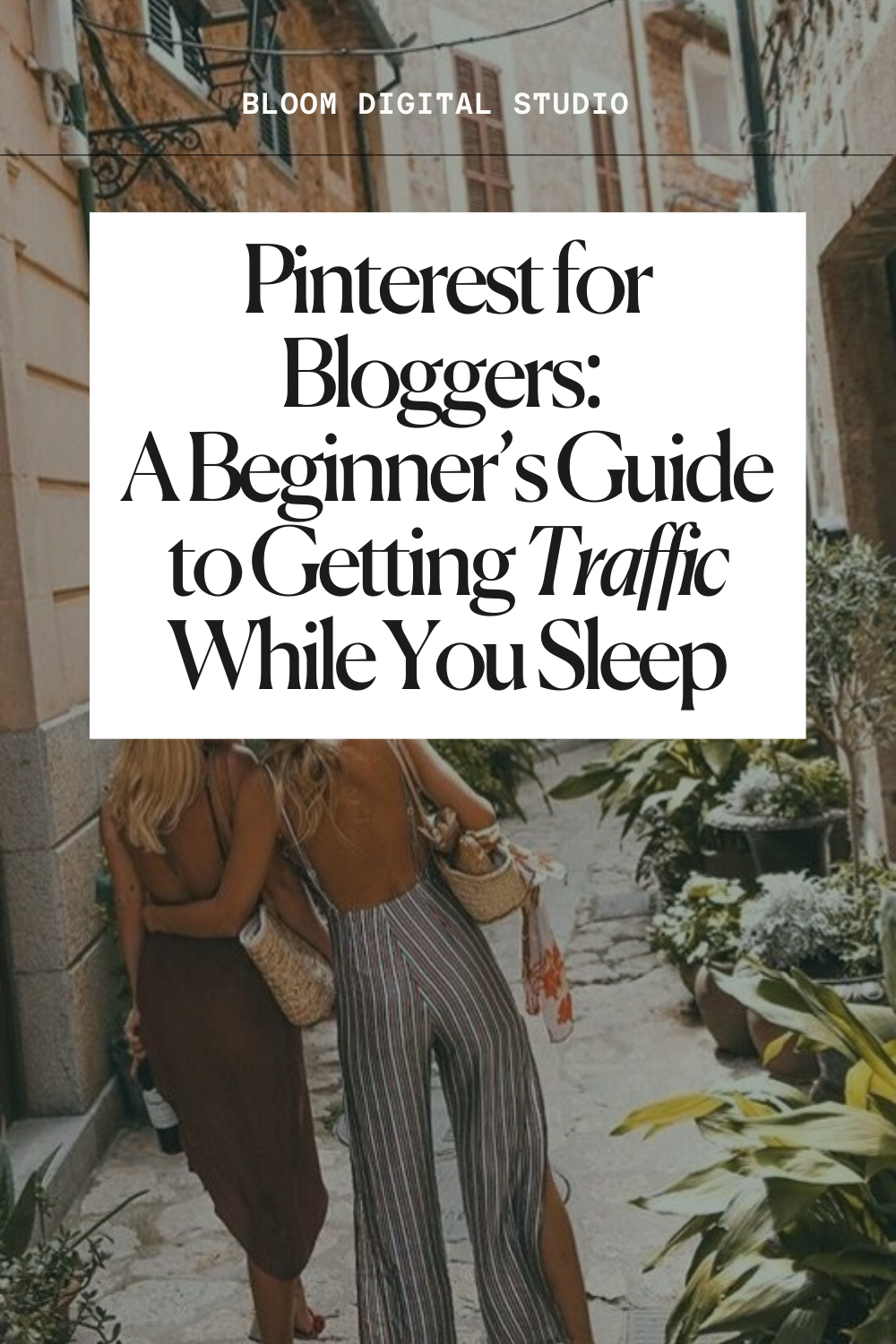
Here is where the magic happens. Pinterest is a visual platform, which means your pin design matters as much as your strategy. But do not let that intimidate you. You do not need to be a graphic designer to create pins that perform well.
Design Vertical Pins
Pinterest recommends a 2:3 aspect ratio, which typically translates to 1000 x 1500 pixels. Vertical pins take up more space in the feed, which naturally makes them more eye-catching. Horizontal pins get buried. Always go vertical.
Use Bold, Readable Text Overlays
Most people scroll through Pinterest without reading every single word. Your text overlay needs to communicate the value of your blog post in just a few words. Think of it as a headline, not a description. Something like "10 Habits of People Who Never Go Broke" or "How I Meal Prep for a Week in 2 Hours" is going to outperform "My Favorite Budget Tips" every single time.
Stick to a Consistent Color Palette and Font Style
When readers start recognizing your pins before they even see your name, you have built brand recognition. That is a powerful thing. Choose two to three brand colors and one or two fonts, then stay consistent across all your pins. Not only does this look more professional, it also trains your audience to associate your visual style with high-quality content.
Include a Clear Call to Action
Tell people what to do. Something as simple as "Read More," "Get the Free Guide," or "Save for Later" can increase engagement significantly. Pinterest users respond to direct, clear prompts.
Write Keyword-Rich Pin Descriptions
Your pin description is not just for humans, it is for the Pinterest algorithm too. Include your primary keywords naturally in the description, write in a way that matches how your ideal reader speaks, and always include a call to action at the end. Aim for 100 to 300 characters, and make every word count.
Ready-made Pinterest templates can take the guesswork out of pin design entirely. Use these done-for-you Pinterest templates, designed specifically to be eye-catching, on-brand, and conversion-focused. All you have to do is swap in your text and colors.
Building a Pinterest Strategy That Works Without Burning You Out
Consistency matters on Pinterest, but consistency does not mean you need to be pinning ten times a day every day. What it does mean is showing up regularly in a sustainable way. Here is the framework I recommend for bloggers who are just getting started with Pinterest traffic.
Start With What You Already Have
If you already have blog posts published, you have content to pin. Create two to three different pin designs for each blog post. This gives you multiple opportunities for that content to be discovered, because different images appeal to different readers. One reader might click on a clean, minimal design while another responds to something bold and colorful.
Use a Scheduling Tool
Manually pinning every day is not a sustainable system. Tools like Tailwind allow you to schedule pins in advance, which means you can sit down once a week or once a month and batch your pinning. Pinterest also has its own native scheduling tool if you are not ready to invest in a third-party platform.
Focus on Fresh Pins, Not Repins
Pinterest's algorithm now heavily favors "fresh" content, meaning new images. This does not mean you need to write new blog posts constantly. It means you need to create new pin designs for your existing content regularly. One blog post can have ten different pins over its lifetime, and each one can reach a different audience.
Pin to the Most Relevant Board First
When you publish a new pin, pin it to the most specific, relevant board first. If you write a post about budgeting for beginners, pin it to your "Budgeting for Beginners" board before your more general "Personal Finance" board. Pinterest uses the first board you pin to as a signal for what the content is about.
Track What Is Working and Double Down
At least once a month, check your Pinterest Analytics. Look at which pins are getting the most outbound clicks (clicks to your blog) and ask yourself why. Is it the design? The topic? The headline? Then create more content in that same vein. Data is your roadmap.
The Long Game: Why Pinterest Traffic for Bloggers Is Worth the Investment
I want to be honest with you: Pinterest is not a platform where you will go viral overnight. It is a long game, and most bloggers do not start seeing real, consistent traffic until they have been showing up for three to six months. But here is what makes that worth it.
The traffic you build on Pinterest is compounding traffic. Every pin you create adds to your library of content that is actively working for you around the clock. Unlike Instagram, where yesterday's post is ancient history, a Pinterest pin you created six months ago might get discovered by someone new tomorrow, and the day after that, and the month after that.
More importantly, Pinterest users are high-intent visitors. They are not just browsing. They came to Pinterest because they were looking for something specific, and when they click through to your blog, they are genuinely interested in what you have to say. That translates to lower bounce rates, more email subscribers, and ultimately, more revenue for your blog.
Pinterest marketing for beginners is one of the most underutilized traffic strategies in the blogging world, and that is actually great news for you. While everyone else is exhausting themselves trying to go viral on social media, you can be building a quiet, sustainable traffic machine that grows every single month.
Your Next Step: Start Building Your Pinterest Strategy Today
You do not need to have everything figured out before you begin. You just need to start. Set up your business account, optimize your bio, create two to three boards aligned with your blog topics, and design your first five pins. That is it. Start there.
Want a shortcut? Download the free Pinterest guide, which walks you through the exact setup process step by step, including how to write board descriptions, choose keywords, and create a pinning schedule that does not take over your life. It is everything I wish I had when I was starting out.
And if you want your pins to look stunning without spending hours on design, check out our ready-made Pinterest templates for bloggers. Each template is designed to be customized in minutes and built to drive clicks.
Pinterest is one of the few platforms that actually rewards the effort you put in, because that effort keeps paying off long after you log off. Now go build something that lasts.
BLOOM DIGITAL STUDIO
Blog
Blooming Templates
The Bloom Vault
A world where building a digital business feels calm, structured, and entirely possible for anyone willing to think in systems.
PRODUCT
Freebies
LEARN
SOCIAL